This log covers the evening of November 14 and all of November 15. LocksleyFox learned to give its paw, take voice commands and strike a few poses. The walk got slower and quieter, and it can walk backward now. The biggest step was the battery. Two LiPo packs now ride on a deck over the body, and the robot stood up on battery power for the first time. It also reacts to touch now, and it can run with no cable and no laptop at all.
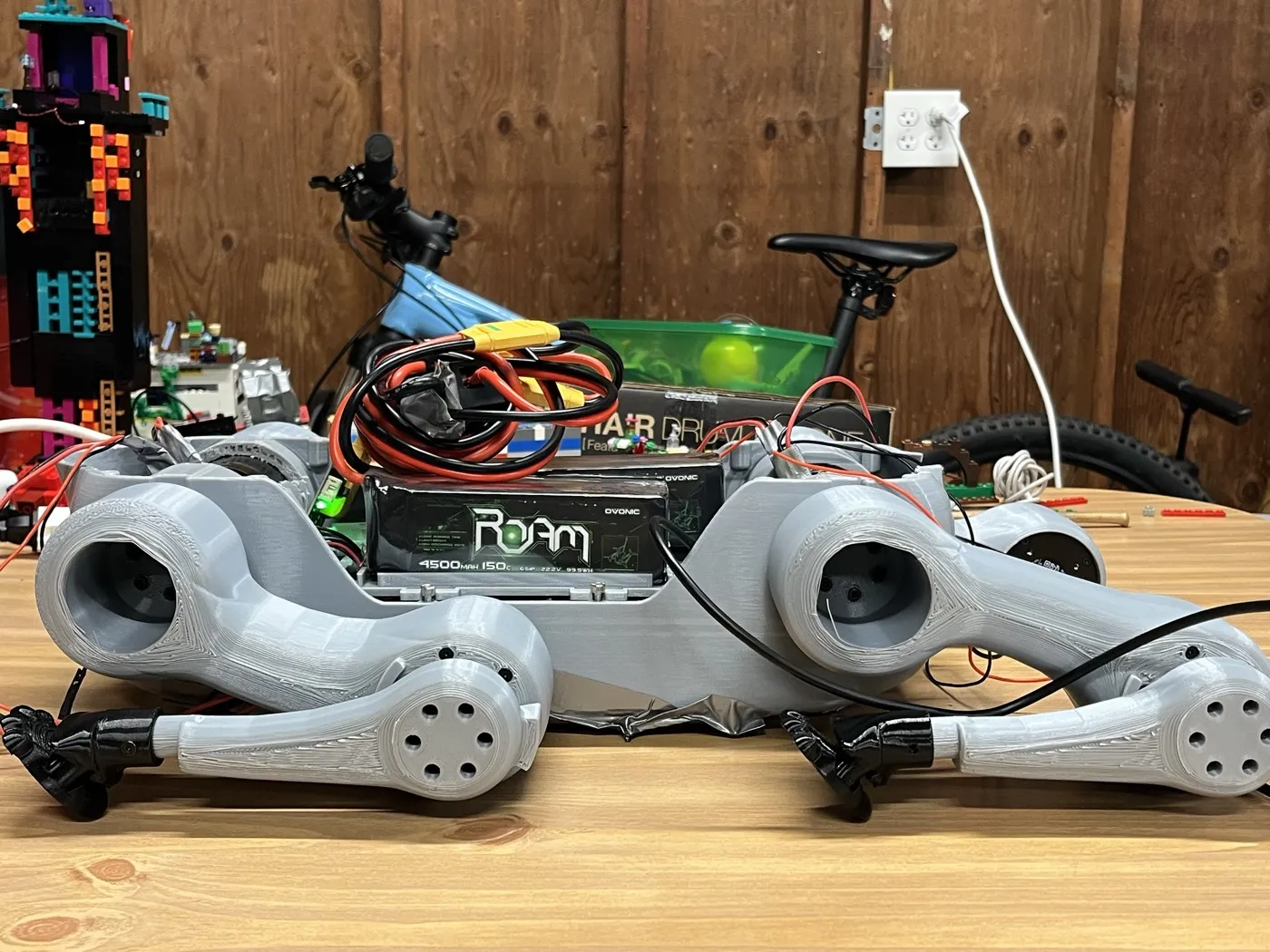
A paw, a voice and a few poses
On the evening of November 14 I added a Paw button. Like a dog giving its paw, the robot lifts its front-right foot. First the body slides back so the weight sits inside the other three feet. The first version put the paw down again three times on false alarms. Now, if the robot starts to feel tippy, the body slides back a little further and the paw stays up.
The control panel also got a Voice button. It uses Chrome's speech recognition for "stand", "sit", "give paw", "walk" and "stop". Chrome often heard "paw" as "pop", so sound-alikes count too.
For fun, three sliders now change the body pose while standing. They raise or lower the body, tilt it nose up or down, and lean it left or right. The feet stay where they are.
The Teensy had frozen twice while sitting idle, once on November 13 and once that evening. So I added a watchdog, a hardware timer that restarts the Teensy if its main loop stops for 4 seconds. After a restart it also reports where the code was when it stopped.
A slower, quieter walk
The walker from Log 20 stepped fast and loud at slow speeds. I trained a few slower versions overnight. The one I picked steps about 1.4 times per second at 0.1 m/s, down from 1.9. Its feet land more softly, and it can walk backward. In a recording of the first floor run, the walk was about 8 to 10 dB louder than the quiet room. That's the baseline for the next walkers.
I also tried a true four-beat walk, where only one foot lifts at a time. In simulation it was even gentler. On the real robot the rear-left foot dragged along the floor, and it still moved its feet in diagonal pairs. So it went back to the slower trot for now.
The hand-written crawl steps changed too. In Step back, the body used to slide a lot, 474 mm of body travel for 300 mm of walking. Now each lift leans the weight a little toward the feet that stay down, and the body moves only as far as balance needs. In the same test that's 300 mm of travel for 300 mm.
Later in the day I noticed the front-right paw took shorter steps than the front-left. The simulator showed the same thing, so it was the walker's own habit. A retrain that rewards matching left and right steps fixed it in simulation, and that walker is on the robot now. It hasn't been tried on the floor yet.
The battery
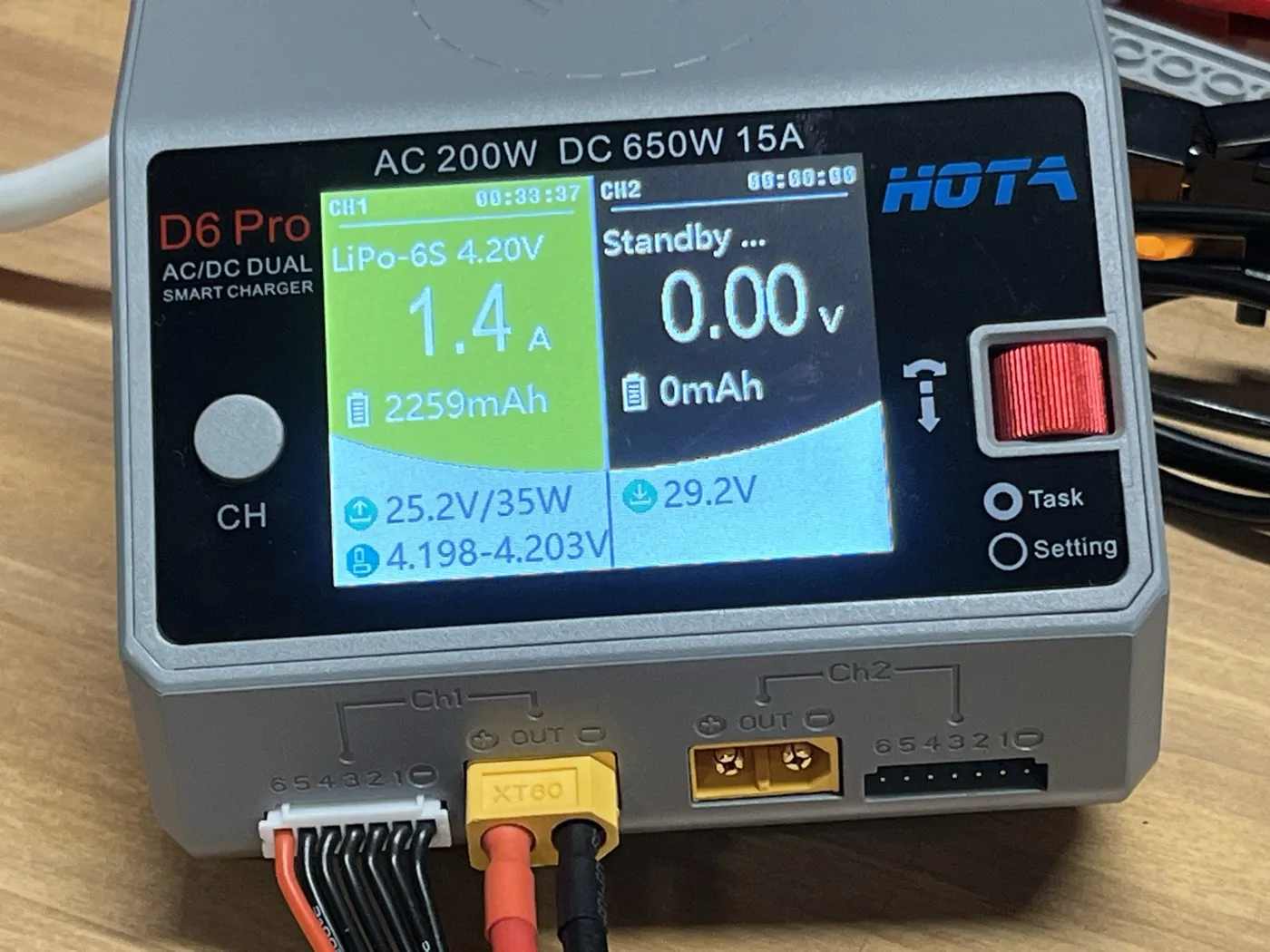
The robot runs on two OVONIC 6S LiPo packs, 4500 mAh each. Wired in series they make 50.4 V when full, under the RS00's 60 V limit. They charge on a HOTA D6 Pro charger, inside a LiPo safety bag. My first charge didn't add anything. I had left the cell voltage at 3.80 V, which is the storage level, and the packs ship at storage charge. The second try at 4.20 V per cell and 4.5 A worked.
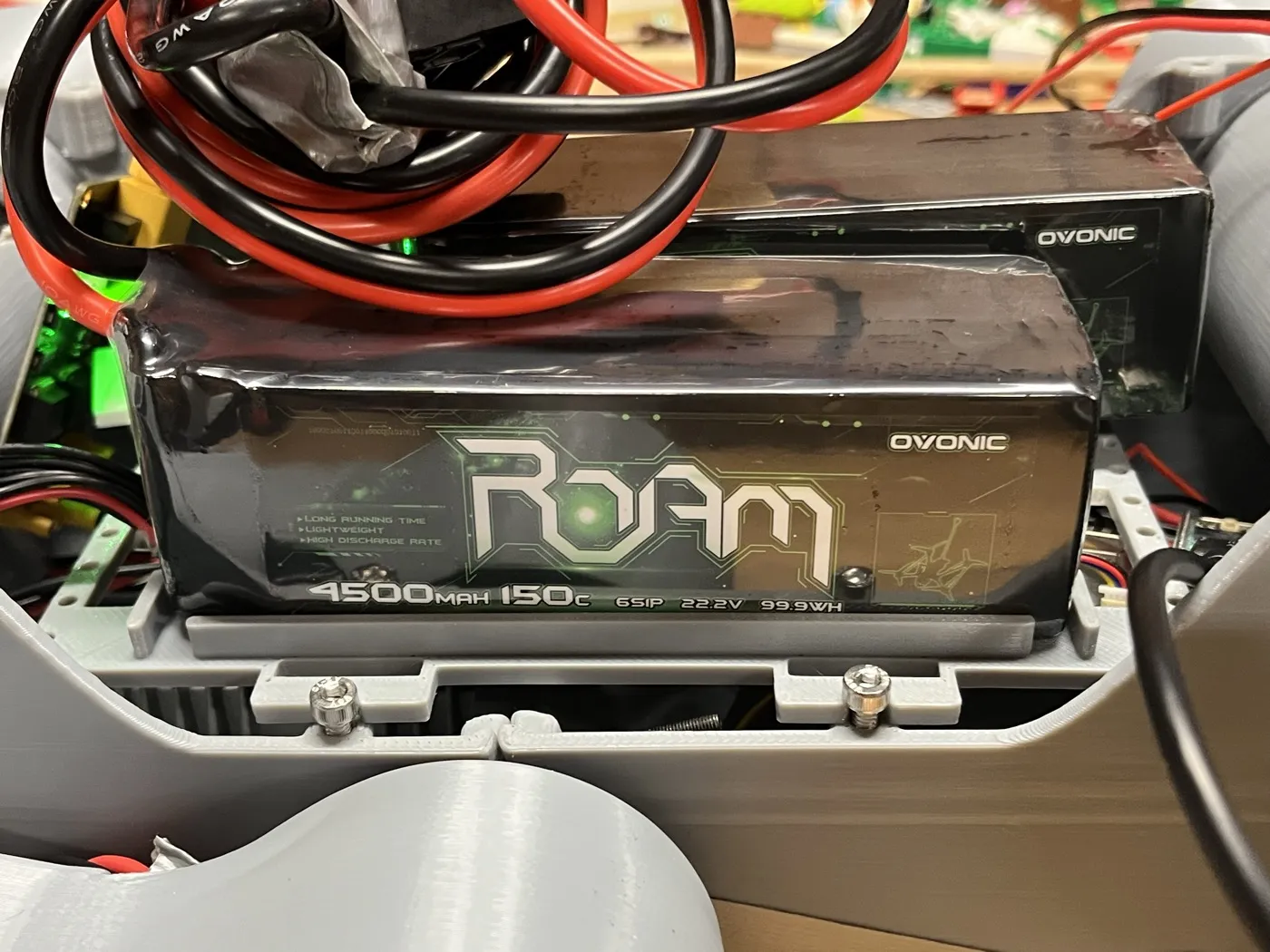
The packs sit on a printed deck over the middle bay, since the floor of the bay is already full. The deck rests on the four bosses that will later hold a lid. It printed in 95 minutes in PLA+. The plan was M5 screws, but they wouldn't go into the printed holes, so it uses M4 screws instead. One strap holds each pack, and there's an open wire lane down each side.
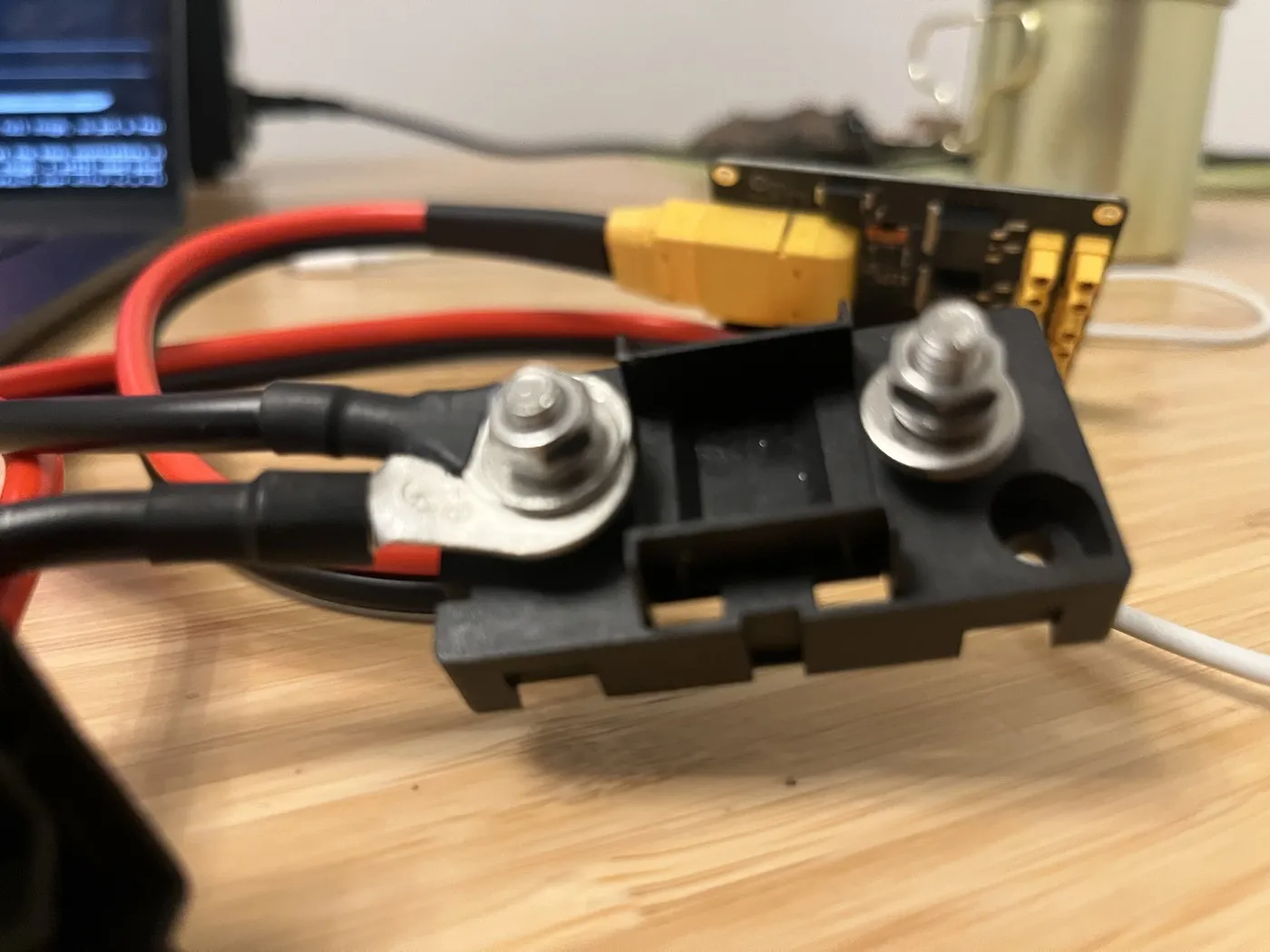
The power path is all plug-in parts.
- A series lead joins the two packs.
- A 40 A fuse in a bolt-down holder sits on the positive side.
- An mjbots power switch turns everything on and off. It charges the motors' capacitors slowly, so there's no spark when it switches on.
- From the switch, the power goes into the same lever connectors where the bench supply used to plug in.
The negative wire also goes through a second fuse holder, with no fuse in it. Stacking both ring terminals on one stud made it too thick for the cover, so for now that joint is wrapped in tape. Before connecting anything, I checked every path with a multimeter. Each red path connected, each black path connected, and red never touched black.
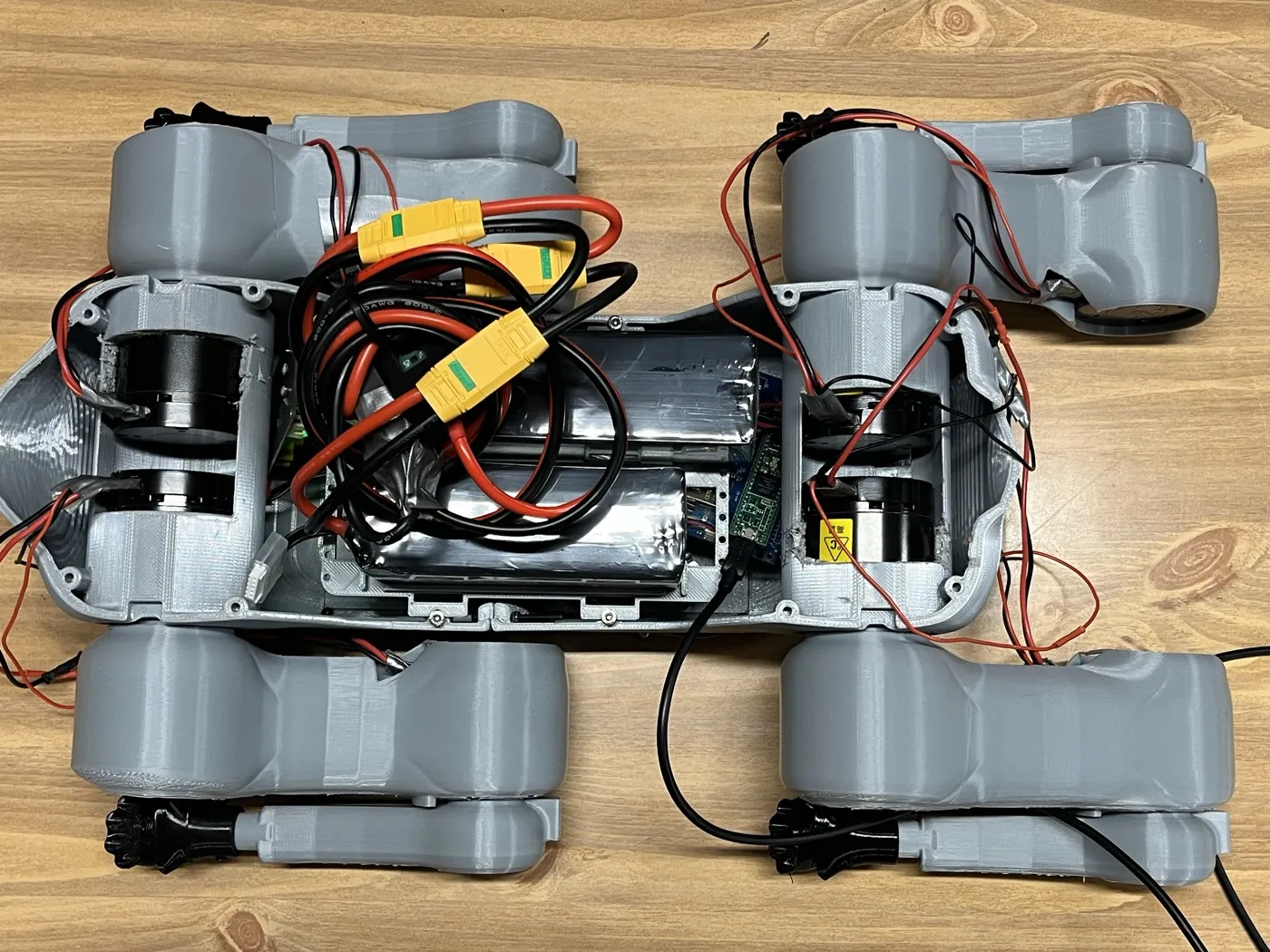
Just before 3 pm LocksleyFox stood up on battery power for the first time. The first try sat right back down, because a knee pushing hard while it rose looked like a jammed motor. I changed the jam check to ignore a joint that keeps pace with where it's told to go. With the packs on board, the whole robot weighs 6.9 kg.
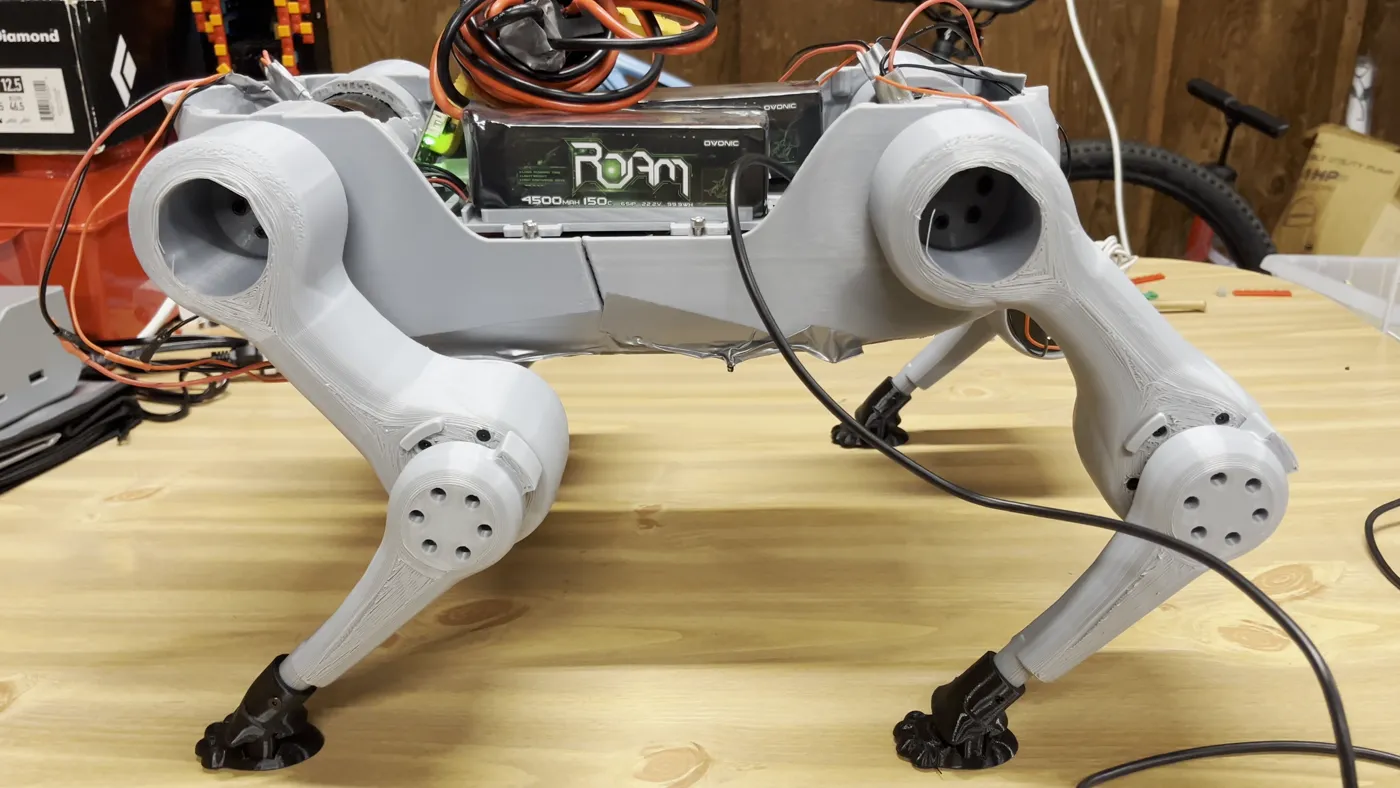
A battery can't be allowed to run too low. Below 3.5 V per cell for 3 seconds, the robot sits and eases off, and Stand won't start below 42.5 V. The control panel now shows a smoothed battery percent, with a warning at 30%.
Reacting to touch
The motors report their torque, so the Teensy can work out how hard each foot presses on the floor. A press from a hand changes those forces. A new switch called triggered behaviors uses that.
- Press down on its back while it stands, and it sits, like a real dog would.
- Push it from behind, and it walks forward slowly for 10 seconds.
- Push it from the front, and it backs up for a few seconds.
- Hold it back while it walks, or let it walk into a wall, and it stops and stands.
- With the motors off, lift the front-left knee and put it back down, and it stands up.
The first try had a big problem. When I pushed it forward, it started walking backward. A walk had been refused while my hand was still pushing, and then it took that push as its new resting level. So when I let go, the drop in force looked like a push from the front. Now it only learns its resting level from steady readings, and it ignores the opposite push for 3 seconds after a push.
No cable, no laptop
Until now the control panel set everything up each time it connected, including finding the motors, the leg calibration and the joint limits. So without the laptop, the robot didn't know its own legs. Now the Teensy saves its last setup in its own memory. When the battery turns on with no panel connected, it finds the motors and puts the setup back. Lift the front-left knee, and it stands.
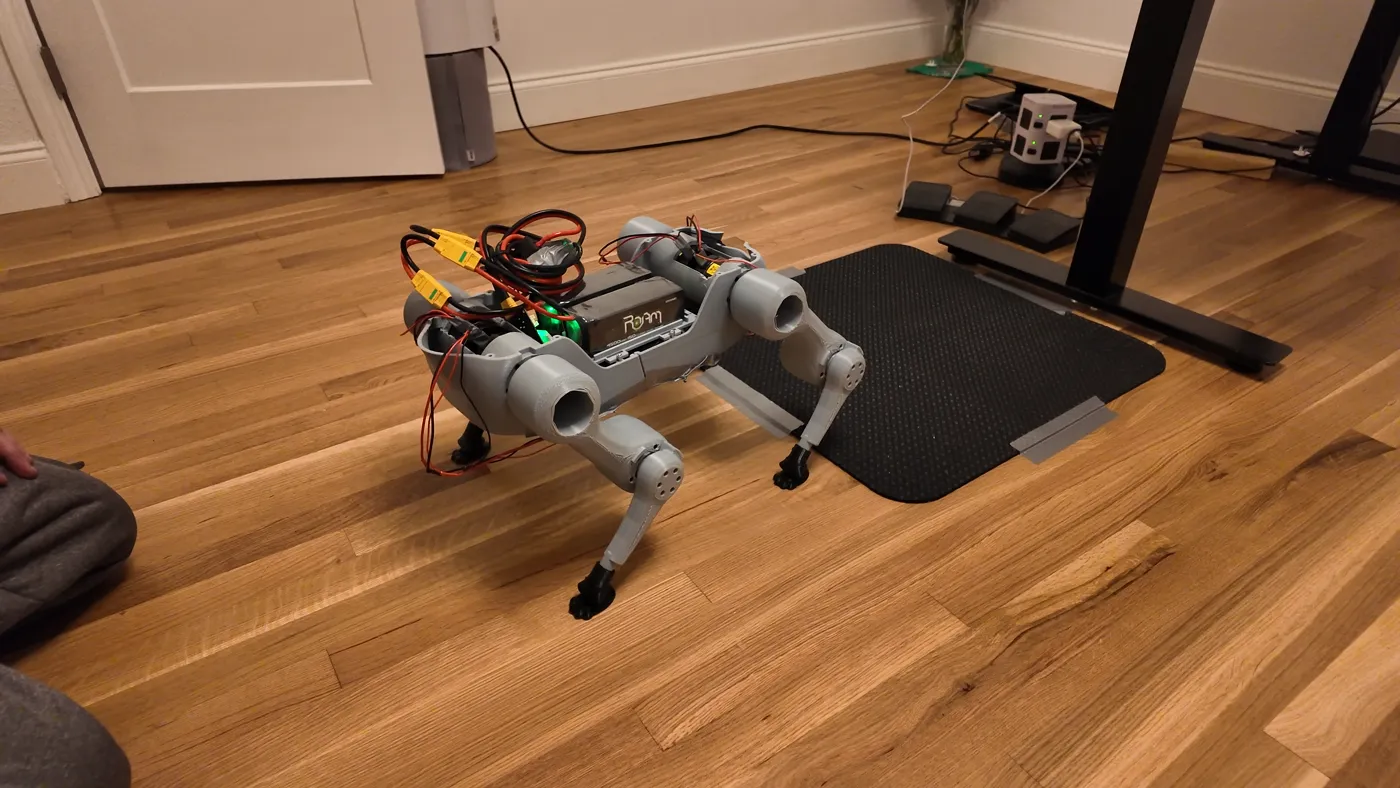
Late in the afternoon I ran it that way, with no USB cable and no laptop. I lifted the front-left knee, it stood up, and with a push it walked off the mat on its own.