ROS 2 in brief
ROS stands for Robot Operating System, but it is not an operating system. It is a set of libraries and tools that runs on top of Linux (and to a lesser degree Windows and macOS). Its main job is to let many small programs share data inside a robot. One program reads the lidar, another builds a map, a third plans a path and a fourth drives the wheels. ROS 2 connects them, so each piece can be written, tested and swapped on its own.
The bigger draw is the ecosystem. Thousands of free packages already handle mapping, navigation, arm motion planning, camera drivers and simulation. A robot that "supports ROS 2" can usually use all of them without new code. That is why a $300 education rover and a $50,000 research robot often run the same navigation software.
Good fit
- Robots that map rooms, navigate, or plan arm motion
- Robots with a Linux computer such as a Raspberry Pi or Jetson
- Projects that mix many sensors and motors
- Anyone aiming for robotics research or a robotics job
Poor fit
- A first robot programmed in blocks or simple Python
- Small microcontroller robots with no Linux computer
- Quick one-off scripts, where the setup outweighs the gain
- Toy and companion robots with closed software
ROS 2 has a difficult learning curve. Learning it means learning Linux, the command line, a build system and a new way of structuring programs. Most people need a few weeks before it clicks. The payoff is that skills carry over from one ROS 2 robot to the next, from a classroom TurtleBot 4 to a Stretch or Go2 EDU.
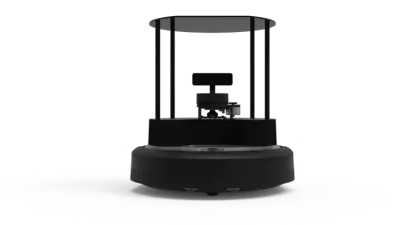 TurtleBot 4 / 4 Lite$1,572 / $2,575
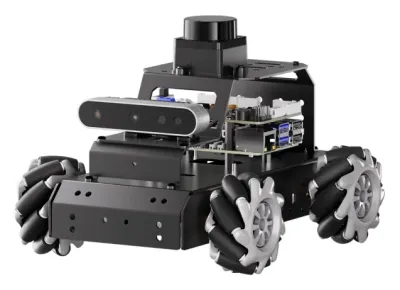 MentorPi M1$430 – $880
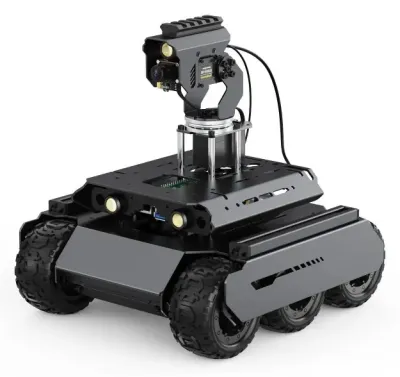 UGV Rover$245 – $727
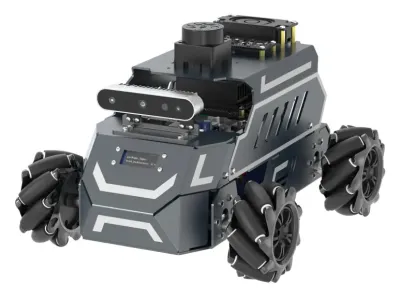 ROSMASTER M1$349.90 – $1,169.90
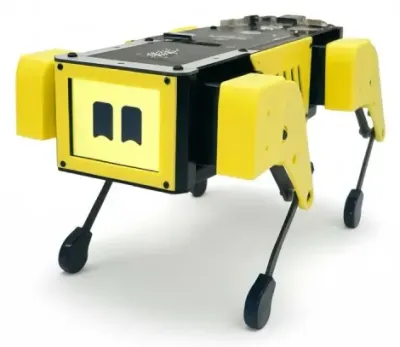 Mini Pupper 2$649
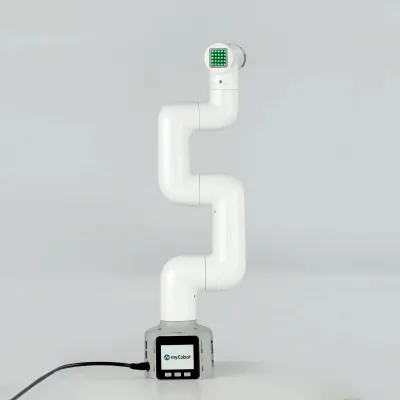 myCobot 280$499 – $809
ROS 1 and ROS 2
The original ROS began at Stanford in 2007 and grew up at Willow Garage, a robotics research lab that released ROS 1.0 in 2010. It became the standard in university labs, but it had limits that mattered outside them. Every system depended on one central program, the ROS master, and its networking assumed a reliable wired network. It had no security and little support for real-time control.
ROS 2 was a rewrite rather than an update. It replaced the custom networking with an industrial standard called DDS, removed the central master, and added security, quality-of-service settings and support for Windows and microcontrollers. The first full release came in December 2017. The last ROS 1 release, Noetic, reached end of life in May 2025, so all new work should use ROS 2.
ROS is open source under the Apache 2.0 license and is maintained by the nonprofit Open Source Robotics Foundation, with funding from member companies through the Open Source Robotics Alliance. It is not only for small robots. The Autoware self-driving stack, the Open-RMF system for managing robot fleets in hospitals and warehouses, and the ROS-Industrial packages for factory arms are all built on it.
| ROS 1 | ROS 2 | |
|---|---|---|
| Status | Ended May 2025 | Current, with new releases every May |
| Central server | ROS master required | None, programs find each other |
| Networking | Custom TCP protocol | DDS or Zenoh, chosen by a setting |
| Network tuning | None | Quality-of-service settings per connection |
| Security | None | Encryption and access control (SROS2) |
| Build tool | catkin | colcon with ament |
| Launch files | XML | Python, XML or YAML |
| Platforms | Ubuntu | Ubuntu, Windows, RHEL, macOS (limited), microcontrollers |
Some older kits still ship with ROS 1. The JetTank runs ROS Melodic, the JetHexa is tied to a Jetson Nano with Melodic, and the AiNex humanoid has no ROS 2 image yet. These still work, but tutorials and packages for them are shrinking. A bridge package (ros1_bridge) can link old ROS 1 code to a ROS 2 system during a move.
Releases
A new ROS 2 release, called a distribution or distro, comes out every year on May 23 (World Turtle Day). Each gets a two-word name with a turtle theme, moving through the alphabet one letter a year. Releases in even-numbered years are long-term support (LTS) releases with five years of fixes. Odd-year releases get about 18 months and mainly serve people who want newer features.
| Release | Released | Main Ubuntu | Gazebo | Support ends |
|---|---|---|---|---|
| Lyrical Luth (LTS) | May 2026 | 26.04 | Jetty | May 2031 |
| Kilted Kaiju | May 2025 | 24.04 | Ionic | December 2026 |
| Jazzy Jalisco (LTS) | May 2024 | 24.04 | Harmonic | May 2029 |
| Humble Hawksbill (LTS) | May 2022 | 22.04 | Fortress | May 2027 |
| Rolling Ridley | Ongoing | Latest | Latest | None, it keeps moving |
- Jazzy is the safe choice for most new projects in late 2026. It runs on Ubuntu 24.04, nearly every package supports it, and most current courses and robots target it.
- Lyrical is the newest LTS and will become the default as packages catch up. It needs Ubuntu 26.04 for full support.
- Humble is still what most robot kits ship with, including the MentorPi, ROSMASTER M1, DOFBOT and ROSOrin. It ends in May 2027, so new projects should avoid it unless the robot's own software requires it.
- Rolling is the development branch where new features land first. It breaks often and suits people working on ROS 2 itself.
Each ROS 2 release is built for one Ubuntu version, and mixing them is the most common install problem. The Ubuntu version decides the ROS 2 release, and on a Jetson the JetPack version decides the Ubuntu version (see the Jetson Guide). Different releases can share a network for simple messages, but this is not officially supported.
Computers and operating systems
ROS 2 needs a computer that runs Linux. On a robot that usually means a Raspberry Pi, an NVIDIA Jetson or a small x86 PC. Microcontrollers such as an Arduino or ESP32 cannot run full ROS 2, but they can join a ROS 2 system through micro-ROS (see Microcontrollers and micro-ROS).
| Platform | Support | Notes |
|---|---|---|
| Ubuntu Linux | Tier 1 | The main platform, with ready-made packages from apt. Each release has its own Ubuntu version. |
| Windows | Tier 1 | Official binaries, but many community packages are Linux-only. WSL2 (Ubuntu inside Windows) is the easier route. |
| Red Hat Enterprise Linux | Tier 2 | Mainly used by companies. |
| macOS | Tier 3 | Builds from source with effort. Most Mac users run a Linux virtual machine, Docker or the community RoboStack (conda) packages. |
| Debian | Tier 3 | Raspberry Pi OS is Debian-based but not officially supported, so robot kits often run ROS 2 inside Docker on it instead. |
- Raspberry Pi 4 and 5 run Ubuntu Server and the official arm64 packages, and handle a lidar, SLAM and navigation well. A 4 GB or 8 GB model is the practical minimum. The TurtleBot 4 and UGV Rover use a Pi. Hiwonder's MentorPi and LanderPi run Humble in Docker on Raspberry Pi OS.
- NVIDIA Jetson boards add a GPU for camera AI and NVIDIA's Isaac ROS packages. JetPack 7.2 runs Ubuntu 24.04, which matches Jazzy. The JetAuto and Galaxea R1 use Jetsons.
- Laptops and desktops run the simulator, RViz and heavy processing, often talking to the robot over Wi-Fi.
Docker is popular because it pins the exact Ubuntu and ROS 2 versions inside a container, whatever the host runs. The official ros images on Docker Hub cover every current release.
Core concepts
A ROS 2 robot is a collection of programs called nodes. Each node does one job, such as reading the IMU or planning a path. Nodes find each other automatically on the network and form the ROS graph, the live picture of who is sending what to whom.
- Node. A single program, or part of one, with one job. A camera driver is a node, and so is a path planner.
- Package. The unit of code that gets built, shared and installed. A package holds nodes, launch files, config files and message definitions. Packages are named like
nav2_bringuporturtlebot4_navigation. - Workspace. A folder of packages built together. Its
srcfolder holds the source, and building produces aninstallfolder. - Interface. The data format of a message, request or goal, written in small text files (see Messages and interfaces).
- Launch file. A script that starts many nodes at once with their settings. A real robot may start dozens of nodes with one command (see A first node for an example).
- Underlay and overlay. The installed ROS 2 release is the underlay. A workspace built on top is an overlay, and its packages take priority. Each one is activated by "sourcing" its setup script in the terminal.
Communication
Communication is the heart of ROS 2. Nodes exchange data in four main ways, each suited to a different kind of task.
| Method | Pattern | Typical use | Example |
|---|---|---|---|
| Topics | Many senders to many receivers, continuous stream | Sensor data, motor commands, robot state | Lidar scans on /scan |
| Services | One request, one reply | Quick questions and one-off commands | Reset odometry, save a map |
| Actions | A goal with progress updates and a final result, can be cancelled | Tasks that take seconds or minutes | Drive to the kitchen, move the arm |
| Parameters | Settings stored in each node | Configuration and tuning | Maximum speed, camera frame rate |
Topics
A topic is a named channel such as /cmd_vel or /camera/image_raw. Nodes publish messages to it and other nodes subscribe. Neither side knows or cares who is on the other end. A lidar driver publishes to /scan, and the map builder, the obstacle avoider and a visualizer on a laptop can all subscribe at once. Swapping in a different lidar only means a different driver publishing to the same topic.
Topics carry most of the data in a robot. Some names are conventions that nearly every robot follows, which is what lets standard packages work across robots.
| Topic | Message type | Contents |
|---|---|---|
/cmd_vel | geometry_msgs/Twist or TwistStamped | Speed and turn rate commands for a mobile base |
/odom | nav_msgs/Odometry | The robot's estimated position and speed from wheel odometry |
/scan | sensor_msgs/LaserScan | Distances from a 2D lidar |
/imu | sensor_msgs/Imu | Orientation, rotation rate and acceleration from an IMU |
/camera/image_raw | sensor_msgs/Image | Camera frames |
/joint_states | sensor_msgs/JointState | Angles and speeds of arm or leg joints |
/tf | tf2_msgs/TFMessage | Positions of the robot's parts relative to each other (see Coordinate frames) |
At the lowest level, driving any ROS 2 rover works the same way. A node publishes a forward speed and a turn rate to /cmd_vel, and the base driver turns them into wheel speeds. This one convention is why a keyboard teleop node, a gamepad node and the Nav2 planner can all drive the same robot.
Services
A service is a function call between nodes. One node offers it, another sends a request and waits for the reply. Services suit short tasks with a clear answer, such as asking for the current map or switching a camera mode. They are a poor fit for anything slow, because the caller cannot see progress or cancel. A service that takes more than a second or two is usually better as an action.
Actions
An action is a long-running task with feedback. A client sends a goal, such as a position to drive to. The server accepts or rejects it, streams progress (distance remaining, for example), and finally returns a result. The client can cancel at any time. Navigation, arm motions and docking are all actions. Under the hood an action is built from three services and two topics.
Parameters
Each node has its own named settings, such as max_speed or frame_rate. They are usually loaded from a YAML file at launch and can be read or changed while the node runs. A node can reject a change it considers unsafe. Parameters are how the same Nav2 code is tuned for a small TurtleBot and a heavy outdoor robot.
Messages and interfaces
Every topic, service and action has a fixed data type defined in a short text file. A .msg file lists the fields of a message. A .srv file has a request and a reply, separated by three dashes. An .action file has a goal, a result and feedback.
# BatteryAlert.msg
builtin_interfaces/Time stamp
float32 voltage
uint8 percent
bool charging
At build time, ROS 2 turns these files into C++ and Python classes. Standard packages define the common types, such as std_msgs, geometry_msgs, sensor_msgs and nav_msgs. Reusing a standard type is almost always better than inventing a new one, since existing tools then understand the data.
Names, namespaces and remapping
Every node, topic, service and parameter has a name, and names can be grouped under a namespace. With two robots on one network, each runs under its own namespace, so their commands arrive on /robot1/cmd_vel and /robot2/cmd_vel rather than colliding on /cmd_vel. The same trick keeps a robot's front and rear cameras apart.
Remapping renames things when a node starts, without touching its code. A keyboard teleop node that publishes to /cmd_vel can be pointed at a second robot from the command line.
ros2 run teleop_twist_keyboard teleop_twist_keyboard --ros-args -r cmd_vel:=/robot2/cmd_velRemapping is what makes third-party packages reusable. A driver that publishes images on image_raw can be remapped to whatever name the rest of the system expects.
Discovery and domains
With no central server, nodes find each other by announcing themselves on the network. Any ROS 2 computer on the same network sees the others automatically. That is convenient on a wired network and a common headache on Wi-Fi (see Middleware).
ROS_DOMAIN_IDsplits a network into separate ROS 2 groups. Robots with different domain IDs (0 to 101 is the safe range) ignore each other, which matters in a classroom full of identical robots.ROS_AUTOMATIC_DISCOVERY_RANGElimits discovery to the same computer (LOCALHOST), the local network (SUBNET) or nothing. It replaced the olderROS_LOCALHOST_ONLYsetting.ROS_STATIC_PEERSlists specific computers to connect to, for networks where automatic discovery is blocked.
The last two settings apply only to the DDS middleware. Zenoh ignores them and is configured through its own router settings instead.
Coordinate frames and tf2
A robot is full of positions measured from different places. The lidar reports distances from itself, the arm's camera sees objects relative to the gripper, and the map is fixed to the room. The tf2 library tracks how all these frames relate over time, so any point can be converted from one frame to another with one call.
Mobile robots follow a standard chain of frames set out in the ROS conventions (REP 105).
mapis fixed to the world. Positions in it don't drift, but they can jump when SLAM corrects itself.odommoves smoothly with the wheels but drifts slowly over time.base_linkis fixed to the robot's body.- Sensor frames such as
laserorcamera_linkare attached tobase_linkat their mounting positions.
The localization node publishes the map to odom link, the base driver publishes odom to base_link, and the robot's description supplies the fixed links to each sensor. Distances are in meters and angles in radians, with x forward, y left and z up (REP 103). Most "the robot thinks the wall is behind it" bugs come from a wrong frame or a missing link in this chain.
Robot description (URDF)
A URDF file describes the robot's body as links (rigid parts) joined by joints, with shapes, masses and joint limits. Most are written in xacro, a macro language that adds variables and reusable pieces to the raw XML. The robot_state_publisher node reads the URDF and the /joint_states topic and publishes every part's position to tf2.
The same file drives RViz, the simulator, MoveIt and collision checking. Many makers publish a URDF for their robot, including Waveshare for the RoArm-M3, Dobot for the Magician E6 and Unitree for the Go2. The robot pages in this guide note where a model exists in each simulator. Lyrical adds URDF 1.2, with acceleration and jerk limits on joints.
Everyday tools
ros2command line. Lists and inspects everything running.ros2 topic list,ros2 topic echo /scanandros2 topic hz /scanshow topics, their data and their rate.ros2 node info,ros2 service call,ros2 param setandros2 doctorcover the rest.- colcon. The build tool.
colcon buildbuilds every package in a workspace in the right order. - rosdep. Installs the system libraries a workspace's packages depend on, read from each
package.xml. - RViz. The 3D viewer. It shows the robot model, lidar scans, camera images, maps, planned paths and tf2 frames, and can send navigation goals with a click.
- rqt. A set of small GUI tools, the most useful being
rqt_graph, which draws the live graph of nodes and topics. - rosbag2. Records topics to a file and plays them back later. A recorded drive can be replayed to test a new mapping or detection node without the robot. The default file format is MCAP.
- Foxglove. A web and desktop viewer that opens bag files and connects to live robots. It works on macOS and Windows without installing ROS 2.
- rosbridge. Exposes topics and services as JSON over a WebSocket, so web pages and programs on computers without ROS 2 can talk to the robot. Yahboom's ROSMASTER guides use it with the
roslibpylibrary from a laptop.
Simulation
A simulator runs a virtual copy of the robot that publishes the same topics as the real one. The same navigation or arm code runs in both, so most bugs get caught before anything can crash into a wall.
- Gazebo is the simulator most closely tied to ROS 2. Each ROS 2 release pairs with a Gazebo release, and the
ros_gzpackages bridge topics between them. The older Gazebo Classic reached end of life in January 2025. The TurtleBot 4, Create 3 and TurtleBot 3 have official Gazebo setups. - Isaac Sim from NVIDIA gives photo-realistic cameras and fast physics, with a ROS 2 bridge. It needs an RTX graphics card.
- Webots is a free, lighter simulator with an official ROS 2 interface and many ready-made robot models.
- MuJoCo is the favorite for training walking and grasping with reinforcement learning. It has no built-in ROS 2 link, but community bridges exist. The MuJoCo Guide covers it in depth.
Major libraries
Most of the value of ROS 2 is in a few large, well-tested projects. When a robot "supports ROS 2", it usually means it works with these.
Navigation (Nav2)
Nav2 is the standard navigation system. Given a map and a goal, it plans a route, follows it, avoids obstacles that appear on the way and recovers when stuck. A localization node (AMCL) tracks the robot on a known map, and costmaps mark where the robot may drive. Planner plugins find a path and controller plugins follow it. A behavior tree runs the whole task and decides what to do when things go wrong, such as backing up or spinning in place to clear a blocked path. Every part is a plugin, so wheeled, legged and car-like robots swap in the pieces that suit them.
Nav2 runs on robots throughout this guide, from the $300 MentorPi A1 to the Jackal, Husky and ROSbot.
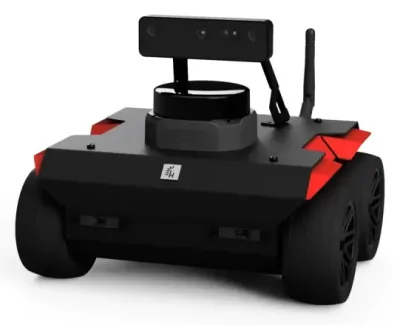 Husarion ROSbotFrom ~$3,090 (€2,749,…
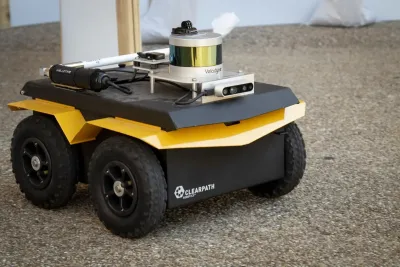 Clearpath JackalQuote (~$20,000+, est.)
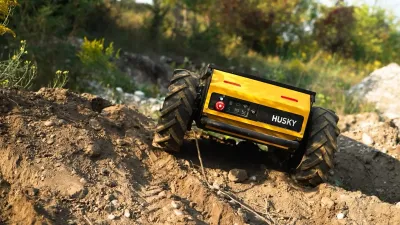 Clearpath HuskyQuote (~$30,000+, est.)
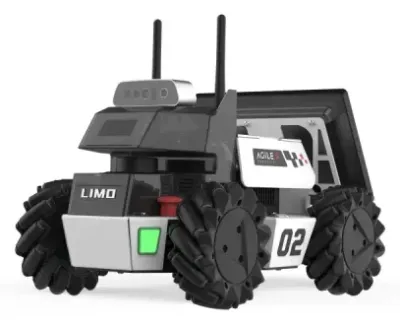 AgileX LIMO / LIMO Pro$3,400 (LIMO Pro)
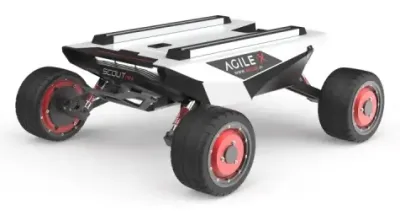 AgileX Scout Mini$5,895.95 (Trossen)
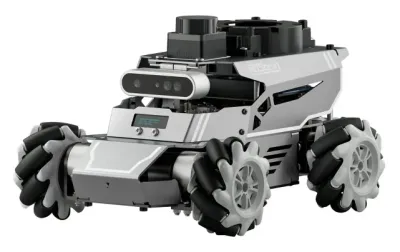 ROSOrin$299.99 – $1,499.99
Mapping and localization
- SLAM Toolbox builds 2D maps from a lidar and is the default mapper in Nav2 tutorials. It can also extend a saved map later.
- Cartographer from Google does 2D and 3D lidar SLAM, but it is no longer actively developed.
- RTAB-Map builds 3D maps from depth cameras, stereo cameras or lidar.
- robot_localization fuses wheel odometry, an IMU and GPS into one smoother position estimate with a Kalman filter.
- Isaac ROS Visual SLAM tracks the robot with stereo cameras on a Jetson GPU.
The Robot Vision page compares the lidars, depth cameras and stereo cameras these packages use.
Arm motion (MoveIt 2)
MoveIt 2 plans arm movements. Given a target pose for the gripper, it solves the inverse kinematics and plans a path that avoids obstacles and the robot itself. It then sends a smooth trajectory to the arm. MoveIt Servo adds real-time steering from a joystick or a tracking program. Most arms in this guide with ROS 2 support include MoveIt setups, such as the myCobot 280, PiPER, xArm 6, UR5e and Kinova Gen3.
myCobot 280$499 – $809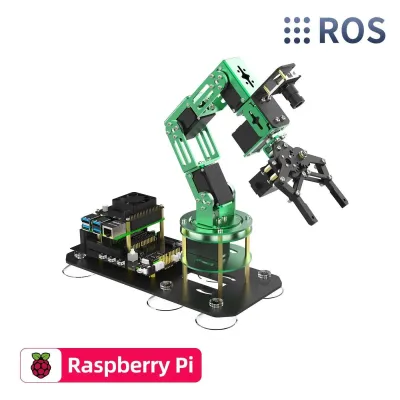 Yahboom DOFBOT$329 – $769 (Pi 5 version)
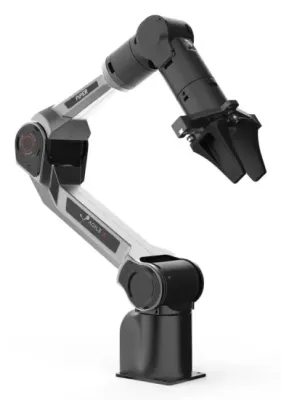 AgileX PiPER$1,999
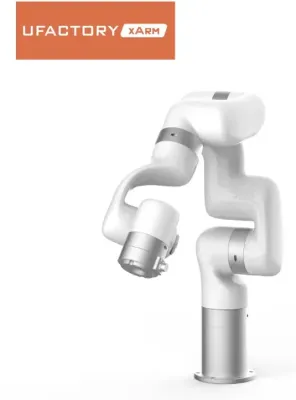 UFACTORY xArm 5 / 6 / 7$5,799 – $10,499
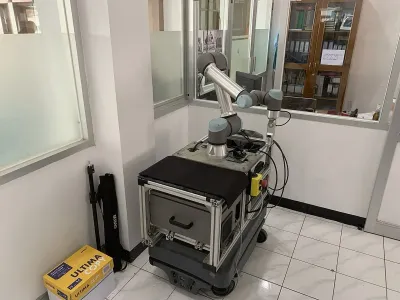 Universal Robots UR5eQuote only
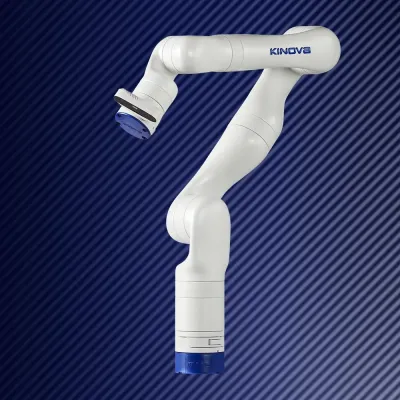 Kinova Gen3~$35,900 (reseller)
Motor control (ros2_control)
ros2_control is the layer between high-level commands and the motors. A hardware interface plugin talks to the real motors over serial, CAN bus or EtherCAT and exposes each joint's command and state values. Controllers then run in a fixed-rate loop on top. The diff_drive_controller turns /cmd_vel into wheel speeds, and the joint_trajectory_controller follows MoveIt's arm paths. A controller manager loads, starts and switches controllers while the robot runs.
Because simulators and fake hardware provide the same interface, the same controllers work in Gazebo and on the real robot. Writing a hardware interface is usually the main task when bringing up a custom robot in ROS 2.
Cameras and perception
- image_transport sends camera images compressed (JPEG, PNG or H.264-style codecs) to save Wi-Fi bandwidth, with the receiving side seeing ordinary images.
- cv_bridge converts ROS 2 images to and from OpenCV images.
- Camera drivers for Intel RealSense, Orbbec, Luxonis OAK and Stereolabs ZED cameras are published by their makers.
- Isaac ROS adds GPU-accelerated depth, detection and segmentation on Jetson boards.
AI and language models
ROS 2 has no built-in AI, but it is the usual way to connect one to a robot. A node runs a vision model or LLM and turns its output into goals, actions or /cmd_vel messages. Hiwonder's JetAuto and JetAcker courses include LLM voice-control chapters. The Mini Pupper 2 connects to ChatGPT, Gemini and Claude on top of its ROS 2 stack. The Mars home robot runs Python skills and LLM agents on a ROS 2 base. Robot-learning projects such as LeRobot often skip ROS 2 entirely, though the ALOHA 2 code uses it.
A first node
A ROS 2 node in Python is a class that extends Node. This one publishes a short drive command ten times a second, which would make a rover drive slowly in a circle.
import rclpy
from rclpy.node import Node
from geometry_msgs.msg import Twist

class Circler(Node):
    def __init__(self):
        super().__init__('circler')
        self.pub = self.create_publisher(Twist, 'cmd_vel', 10)
        self.declare_parameter('speed', 0.1)
        self.create_timer(0.1, self.tick)

    def tick(self):
        msg = Twist()
        msg.linear.x = self.get_parameter('speed').value
        msg.angular.z = 0.5
        self.pub.publish(msg)

def main():
    rclpy.init()
    rclpy.spin(Circler())

if __name__ == '__main__':
    main()
The 10 in create_publisher is the queue depth, the simplest form of a QoS setting. rclpy.spin hands control to an executor, which calls tick on schedule. The same steps from the command line look like this.
mkdir -p ~/ws/src && cd ~/ws/src
ros2 pkg create --build-type ament_python --node-name circler circler --dependencies rclpy geometry_msgs
# replace the generated circler/circler.py with the code above
cd ~/ws && colcon build
source install/setup.bash
ros2 run circler circler --ros-args -p speed:=0.2
ros2 topic echo /cmd_vel     # in a second terminal
C++ nodes follow the same pattern with rclcpp, and need a CMakeLists.txt using ament_cmake. C++ is the norm for drivers, controllers and anything time-critical, while Python suits high-level logic and quick tools.
Real robots start many nodes at once, so they use launch files rather than ros2 run. A launch file in Python lists the nodes to start, with their parameters and remappings, and ros2 launch starts and stops them together. This one starts the node above at a different speed.
from launch import LaunchDescription
from launch_ros.actions import Node

def generate_launch_description():
    return LaunchDescription([
        Node(package='circler', executable='circler',
             parameters=[{'speed': 0.2}]),
    ])
Launch files can include other launch files, so a robot's main launch file often pulls in the base driver, the sensors and Nav2 from their own packages. Launch files can also be written in XML or YAML.
Software layers
The rest of this guide covers the lower layers. They matter for tuning performance, fixing network problems and building products. ROS 2 is a stack of libraries, each hiding the one below.
| Layer | What it does |
|---|---|
| User code | Nodes written by the robot's developers |
| Client libraries | rclcpp (C++) and rclpy (Python), plus community ones for Rust, C#, Java and Node.js |
rcl | Shared C library with the logic common to every language, such as names, parameters, time and logging |
rmw | The ROS middleware interface, a thin C layer every middleware plugin implements |
| Middleware | Fast DDS, Cyclone DDS, Connext DDS or Zenoh, which actually move the bytes |
| Transport | UDP, TCP or shared memory |
Because every language sits on the same rcl core, a Python node and a C++ node behave the same way. Because every middleware sits behind rmw, switching middleware is a single environment variable with no code changes.
DDS and Zenoh middleware
DDS (Data Distribution Service) is a standard for publish-subscribe networking used in military, aerospace and industrial systems. ROS 2 adopted it to avoid writing networking from scratch. Each DDS vendor ships its own implementation, and ROS 2 picks one through the RMW_IMPLEMENTATION environment variable.
| Middleware | RMW_IMPLEMENTATION value | Notes |
|---|---|---|
| eProsima Fast DDS | rmw_fastrtps_cpp | The default in most releases, including Lyrical. Has shared-memory transport and a discovery server. |
| Eclipse Cyclone DDS | rmw_cyclonedds_cpp | Popular for its simple behavior on busy networks. It was the default in Galactic and is common on Nav2 robots. |
| RTI Connext DDS | rmw_connextdds | Commercial, with certified versions for safety-critical products. Free for research. |
| Eclipse Zenoh | rmw_zenoh_cpp | Not DDS. Uses a small router instead of multicast discovery. Tier 1 since Kilted. |
DDS discovery sends multicast packets so every participant can find every other. On Wi-Fi this works badly. Many routers drop or slow multicast, and with dozens of nodes the discovery traffic alone can swamp a link. The classic symptom is a laptop that sees a robot's topics in ros2 topic list but receives no data, or receives it in bursts.
- Zenoh was adopted largely to fix this. Each computer runs a Zenoh router (
ros2 run rmw_zenoh_cpp rmw_zenohd) that handles discovery, and robots can connect across networks and the internet through routers. The TITA exposes both ROS 2 and Zenoh interfaces. - Fast DDS Discovery Server replaces multicast with a central server that nodes contact by address.
- Cyclone DDS unicast peers list each computer's address in an XML config, switching multicast off.
- Keeping heavy topics local helps most of all. Raw camera images and point clouds should stay on the robot, with compressed copies sent over Wi-Fi only when needed.
All nodes in a system should use the same middleware. Different DDS vendors can talk to each other in principle, but mixed setups are a frequent source of subtle bugs. Zenoh cannot talk to DDS at all without a bridge.
Quality of service (QoS)
Every publisher and subscriber carries a QoS profile that controls how messages are delivered. ROS 1 had nothing like it. QoS lets a camera stream drop stale frames while a map is delivered reliably to late joiners, over the same network.
| Policy | Options | Meaning |
|---|---|---|
| Reliability | Reliable, best effort | Reliable resends lost messages. Best effort drops them, which is better for fast sensor data where only the newest reading matters. |
| History and depth | Keep last N, keep all | How many unsent or unread messages to queue |
| Durability | Volatile, transient local | Transient local keeps the last messages for nodes that join later. Maps and the robot description use it. |
| Deadline | A time period | Raises an event if messages arrive further apart than this |
| Lifespan | A time period | Messages older than this are discarded unread |
| Liveliness | Automatic, manual, with a lease time | How a subscriber detects that a publisher has died |
ROS 2 ships preset profiles. The default is reliable, volatile, keep last 10. The SensorDataQoS preset is best effort with a small queue, and most lidar and camera drivers use it.
The most common QoS trap is an incompatible pair. A reliable subscriber will not connect to a best-effort publisher, and a transient-local subscriber will not connect to a volatile publisher. No messages flow, and the only sign is a warning in the logs. ros2 topic info -v /scan shows each side's QoS, which usually reveals the mismatch at once.
Executors and callback groups
A node does its work in callbacks, small functions that run when a message arrives, a timer fires or a service is called. An executor owns the threads that run those callbacks. Calling spin hands the node to one.
- Single-threaded executor. Runs one callback at a time on one thread. Simple and safe, but a slow callback blocks everything else in the node.
- Multi-threaded executor. Runs callbacks on a pool of threads, so a slow image callback doesn't hold up the odometry timer.
- Events executor. Reacts to events pushed by the middleware rather than polling, with less CPU use. Lyrical adds a callback-group events executor, which its release notes say uses 10% to 15% less CPU than the standard executors.
Callback groups control which callbacks may run in parallel under a multi-threaded executor. Callbacks in a mutually exclusive group never overlap, which protects shared data. Callbacks in a reentrant group can run at the same time, even with themselves.
A classic deadlock comes from calling a service and waiting for the reply inside a callback, while the reply needs the same blocked thread to be processed. The fixes are an asynchronous call, a separate callback group for the client, or in Python the new AsyncNode class in Lyrical, which works with Python's asyncio.
Lifecycle nodes
A normal node begins working the moment it is launched. A lifecycle node (or managed node) moves through set states instead, so a system can bring itself up in a controlled order and restart parts cleanly.
- Unconfigured. Created but not set up.
- Inactive. Configured, with parameters loaded and connections made, but not processing data.
- Active. Running normally.
- Finalized. Shut down.
Transitions such as configure, activate, deactivate and cleanup each run a callback where the node can succeed or fail. Nav2 is built entirely from lifecycle nodes, and its lifecycle manager starts the map server, localization, planner and controller in order and stops them all if one fails. Hardware drivers benefit the most, since a motor driver can stay inactive until every safety check has passed.
Components and zero-copy
By default each node runs as its own process, and messages between nodes are serialized and passed through the middleware even on the same computer. With large data such as images and point clouds, that copying takes noticeable time.
Components are nodes built as shared libraries, which can be loaded into one process called a component container, at launch or while running. Nodes in the same process can use intra-process communication. A publisher hands over a pointer to the message and no copy is made. Camera pipelines gain the most, where one node resizes each frame, another detects objects and a third tracks them.
Across processes, shared-memory transports in Fast DDS and Cyclone DDS (through Eclipse iceoryx) avoid network copies. Some support loaned messages, where the middleware allocates the message directly in shared memory. Lyrical's new rosidl::Buffer extends the zero-copy idea to GPU memory, so images can pass between GPU-accelerated nodes without a trip through the CPU. It works only with Fast DDS so far.
Real-time control
A balancing robot or a walking leg needs its control loop to run on time every time, often at 500 to 1,000 times a second. A late cycle can mean a fall. ROS 2 was designed so real-time use is possible, but it is not real-time out of the box.
- Operating system. A PREEMPT_RT Linux kernel lets high-priority threads interrupt almost anything else. Ubuntu offers a real-time kernel, and PREEMPT_RT has been part of the main Linux kernel since version 6.12.
- Memory. The control thread must not allocate memory or wait on locks once running. Messages and buffers are allocated up front, and memory is locked so it is never swapped out.
- Threads. The control loop runs on its own thread with a real-time priority, often pinned to a dedicated CPU core.
- ros2_control. Its controller manager can run the read, update and write loop in a real-time thread, which is the usual way to get real-time control in ROS 2.
The tightest control loops usually run below ROS 2 entirely. Legged robots such as the Go2 EDU, G1 and Booster T1 run their balance and gait loops on dedicated controllers or in the maker's SDK. ROS 2 sits on top for higher-level commands, mapping and planning.
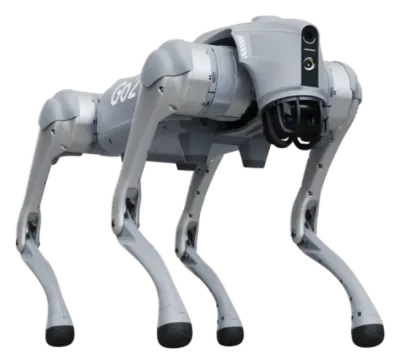 Go2 EDU / EDU Plus$11,190 – $15,600
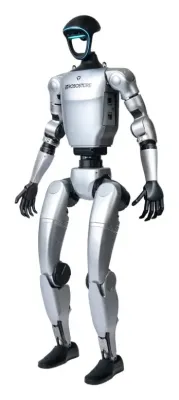 G1$13,500 – $73,900
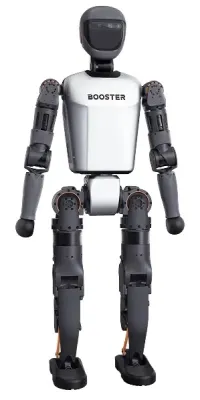 Booster T1~$22k – $51k
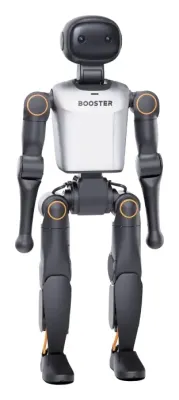 Booster K1$5,999 – $16,999
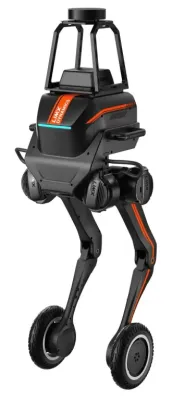 TRON 1$15,000 – $25,000
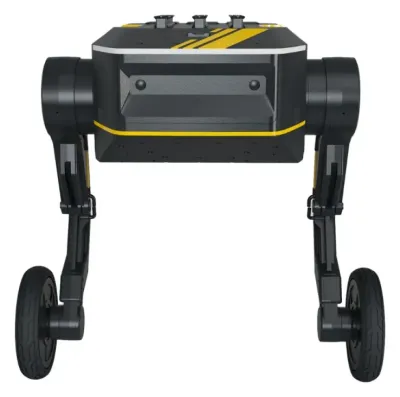 TITA$12,999
Microcontrollers and micro-ROS
micro-ROS brings ROS 2 to microcontrollers with only kilobytes of memory. Code on the board uses rclc, a C client library, to create nodes, publishers and subscribers much like full ROS 2. The board talks to a micro-ROS agent running on a Linux computer over serial, USB, Wi-Fi or Ethernet, using a lightweight protocol (DDS-XRCE). The agent relays its topics into the main ROS 2 system.
A common design pairs a Raspberry Pi or Jetson running Nav2 with a microcontroller reading wheel encoders and driving motors, both on the same ROS 2 graph. Supported boards include the ESP32, Raspberry Pi Pico, STM32 and Teensy families, and the Arduino Portenta H7 and Nano RP2040 Connect (see the Arduino Guide). The Yahboom ESP32 camera car has micro-ROS lessons, and community projects run the Maqueen through micro-ROS. Drones use the same link. PX4 flight controllers expose their sensors and commands as ROS 2 topics over XRCE-DDS, which is how most ROS 2 drone research talks to the autopilot.
Security
By default, any computer on the network can read every topic and publish commands to the robot, including /cmd_vel. That is fine in a lab and risky on a shared or public network.
SROS2 uses the DDS Security standard to add three protections. Authentication proves each node's identity with certificates. Access control limits which topics each node may publish or subscribe to. Encryption hides the data on the network. The ros2 security commands create a keystore and per-node keys. Setting ROS_SECURITY_ENABLE=true turns security on, and ROS_SECURITY_STRATEGY=Enforce makes nodes without valid keys fail instead of falling back to plain traffic. Zenoh has its own TLS encryption and access-control settings. Products should also limit network exposure in the usual ways, such as a firewall and not exposing rosbridge to the internet.
Build system and packages
package.xmlnames the package, its version, license and dependencies. rosdep reads it to install system libraries, and colcon reads it to find the build order.- ament_cmake builds C++ packages (and message definitions) with CMake. ament_python builds Python packages with setuptools.
- colcon options worth knowing are
--symlink-install(Python edits apply without rebuilding),--packages-select(build one package) and--cmake-args -DCMAKE_BUILD_TYPE=Release(optimized C++, much faster for heavy nodes). - Binary packages for every released package are built by the ROS build farm and install with apt as
ros-<release>-<package>, such asros-jazzy-nav2-bringup. - Time. Nodes read time through ROS 2 rather than the system clock. With
use_sim_timeset, they follow the/clocktopic from a simulator or a bag file instead, so timing stays consistent when playback runs faster or slower than real time. - Logging. Every node logs through
rclto the console, a file and the/rosouttopic. Lyrical lets the logging backend be chosen at run time.
Robots that run ROS 2
Many robots in this guide list ROS 2 support, but the depth varies a lot. Some run ROS 2 as their main software with full source code. Others offer a driver that publishes a few topics, and some only have community ports. Each robot's page states what its maker provides.
Learning kits
Education rovers with a lidar and a camera are the cheapest way into full ROS 2 with real navigation. Most come with long courses and pre-installed images. The TurtleBot 4 and TurtleBot 3 are the reference robots used in official tutorials. The TurtleBot 4 is built on the Create 3 base, which runs ROS 2 in its own firmware.
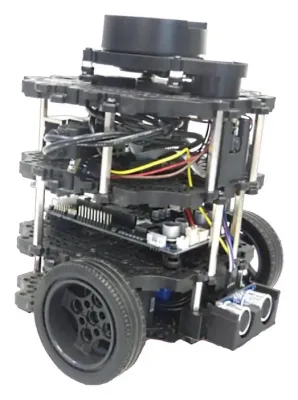 TurtleBot 3$758 – $1,934
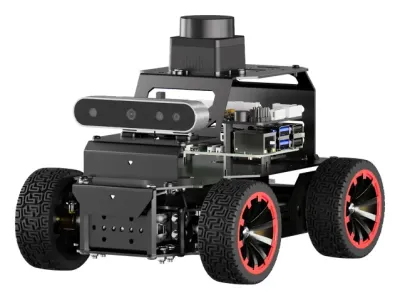 MentorPi A1$299.99 – $879.99
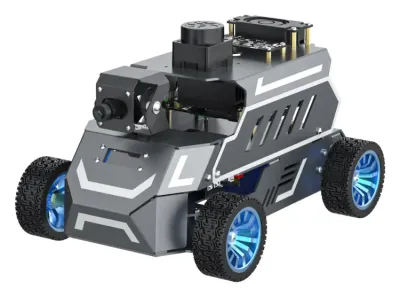 ROSMASTER A1$339.90 – $1,179.90
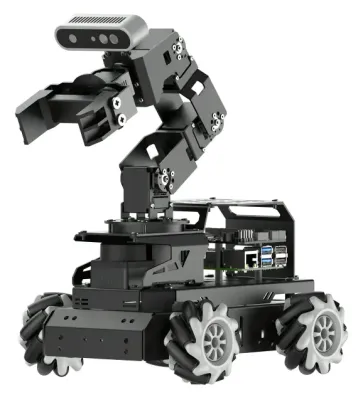 Hiwonder LanderPi$429.99 – $1,039.99
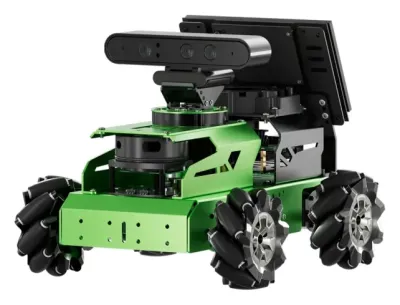 Hiwonder JetAuto$439.99 – $2,429.99
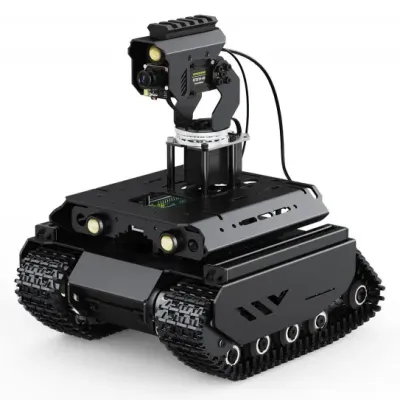 UGV Beast$265 – $752
Legged robots and humanoids
Legged robots with ROS 2 range from the open-source Mini Pupper 2 and Pupper V3 to the EDU versions of Unitree's robots. The CyberDog 2 has an open ROS 2 stack, and the ROSpider and JetHexa2027 are ROS 2 hexapods. Among humanoids, Booster's K1 and T1, Unitree's G1 and H1 and ROBOTIS's OP3 provide ROS 2 interfaces.
Mini Pupper 2$649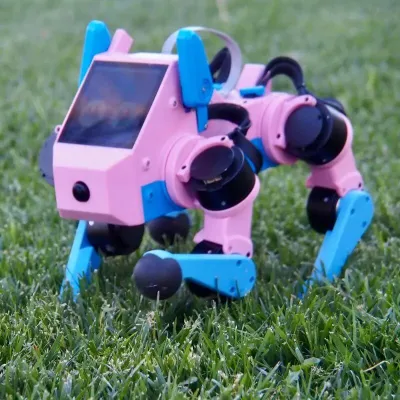 Pupper v3$1,450 – $2,480
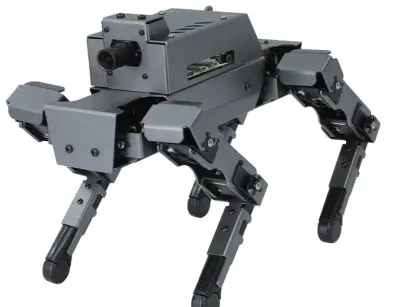 DOGZILLA S1 / S2Was $660 – $845
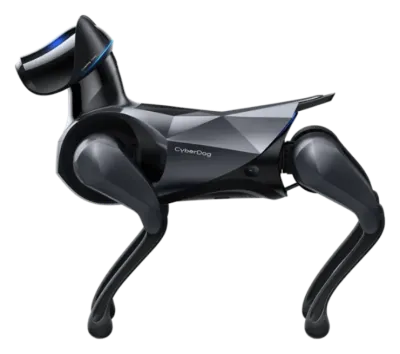 CyberDog 2~$1,800 – $3,000
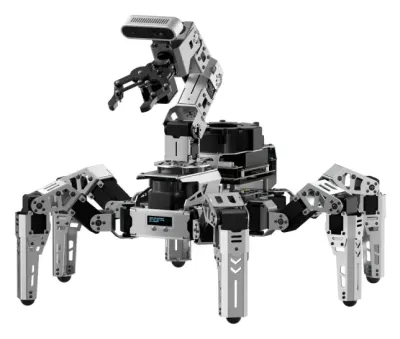 Hiwonder ROSpider$799.99 – $2,449.99
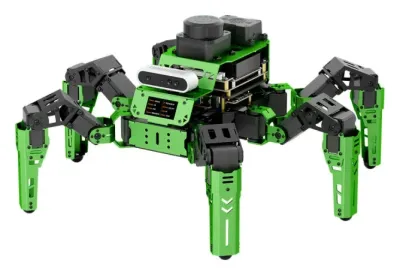 Hiwonder JetHexa2027$489.99 – $2,249.99
Research platforms and mobile manipulators
Clearpath's Jackal, Husky and Dingo ship with ROS 2 Jazzy. Mobile manipulators such as Stretch, TIAGo, Reachy 2 and the Galaxea R1 combine Nav2 and MoveIt-style arm control on one robot.
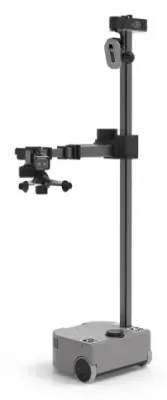 Hello Robot Stretch$24,950 (Stretch 3) /…
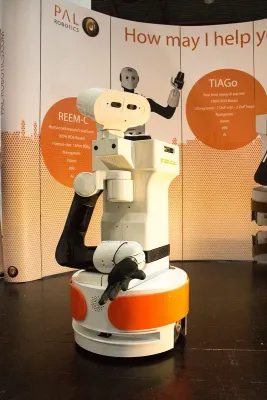 PAL Robotics TIAGo / TIAGo ProQuote (~$50,000–$100,000+,…
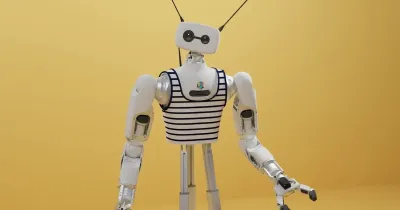 Reachy 2Quote (about $70,000)
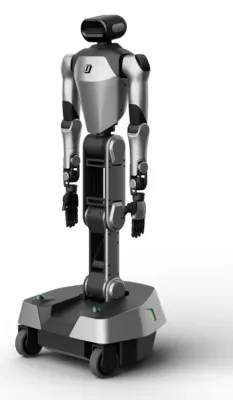 Galaxea R1$39,999 – $69,999
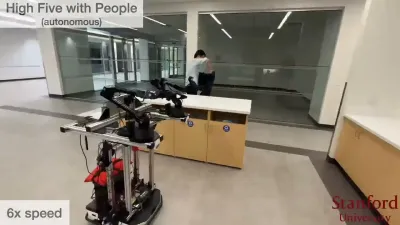 Mobile ALOHA~$32,000 (BOM) / $33,696…
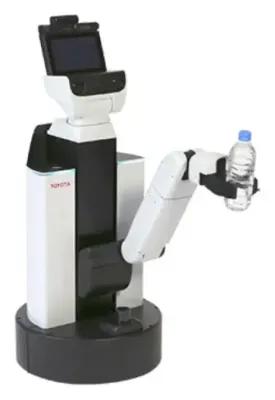 Toyota Human Support RobotNot for sale
DIY builds
Several of the DIY robot blueprints use ROS 2. They include the RoboRacer (F1TENTH) and MuSHR race cars, the Mini Pupper and Pupper V3 quadrupeds, and the PAROL6, Thor and OpenArm robot arms. Arms built with Dynamixel smart servos have ready-made ROS 2 drivers (see the Servo Guide).
Learning path
- Linux and Python first. Comfort with the terminal, files, environment variables and basic Python saves weeks of confusion.
- Install Jazzy on Ubuntu 24.04, natively, in a virtual machine or in Docker. Work through the official beginner tutorials with the turtlesim simulator.
- Learn the command-line tools on a running system. Exploring with
ros2 topic,ros2 nodeandrqt_graphteaches more than reading about them. - Simulate a mobile robot in Gazebo, such as the TurtleBot 3 or 4, then map a world with SLAM Toolbox and navigate it with Nav2.
- Move to real hardware, either a kit with a ready-made ROS 2 image or a custom robot with ros2_control and micro-ROS.
The Online Robotics Courses page compares ROS 2 courses, from the free official tutorials to video courses and university classes.
Common problems
- Forgetting to source the setup file. Every new terminal needs
source /opt/ros/jazzy/setup.bash, plus the workspace'sinstall/setup.bash. Most "package not found" errors come from this. - Mismatched Ubuntu and ROS 2 versions. Each release installs only on its own Ubuntu version. Docker avoids the problem.
- Topics visible but no data. Usually a QoS mismatch or Wi-Fi multicast trouble. Check
ros2 topic info -vfirst, then the middleware settings. - Different domain IDs or middleware on the robot and the laptop. Both must match for the two to see each other.
- Clocks out of sync. Messages carry timestamps, and tf2 rejects data from a computer whose clock is off by more than a fraction of a second. Running chrony or NTP on every computer fixes it.
- Raw images over Wi-Fi. A single uncompressed camera stream can fill a Wi-Fi link. Compressed image topics or processing on the robot avoid it.
- Old tutorials. Many results online are for ROS 1 or old ROS 2 releases. Commands such as
rosrunandcatkin_makeare ROS 1, and anything for Foxy or Galactic is several years out of date.